 PJHTech Paper
Graph paper
Make a square grid with the spacing you need. Adjust the lines, then download your PDF.
Page preview
A4 · portrait · 5 mm
Preview shows the last valid settings.
Preview is scaled to fit the screen.
For the chosen spacing, print the PDF at Actual size or 100%. Check your print size.
Ready-made PDFs
Download a PDF as it is, or choose Customize to load all of its settings.
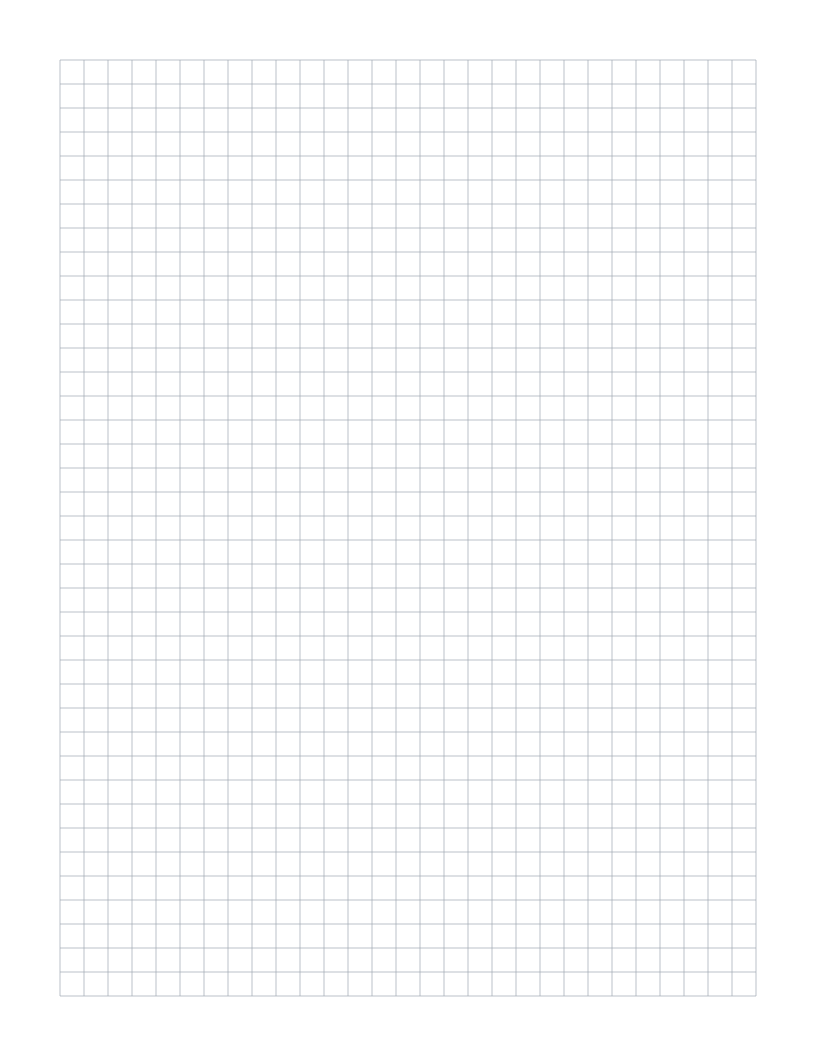

Choose the square size
Start with 5 mm for compact notes and sketches. Use 10 mm when you want more room in each square.
For inch-based work, ¼ inch gives four squares per inch. Choose ⅛ inch for eight squares per inch. A ¼-inch grid has 6.35 mm squares, so it does not match a 5 mm grid.
Count with guide lines
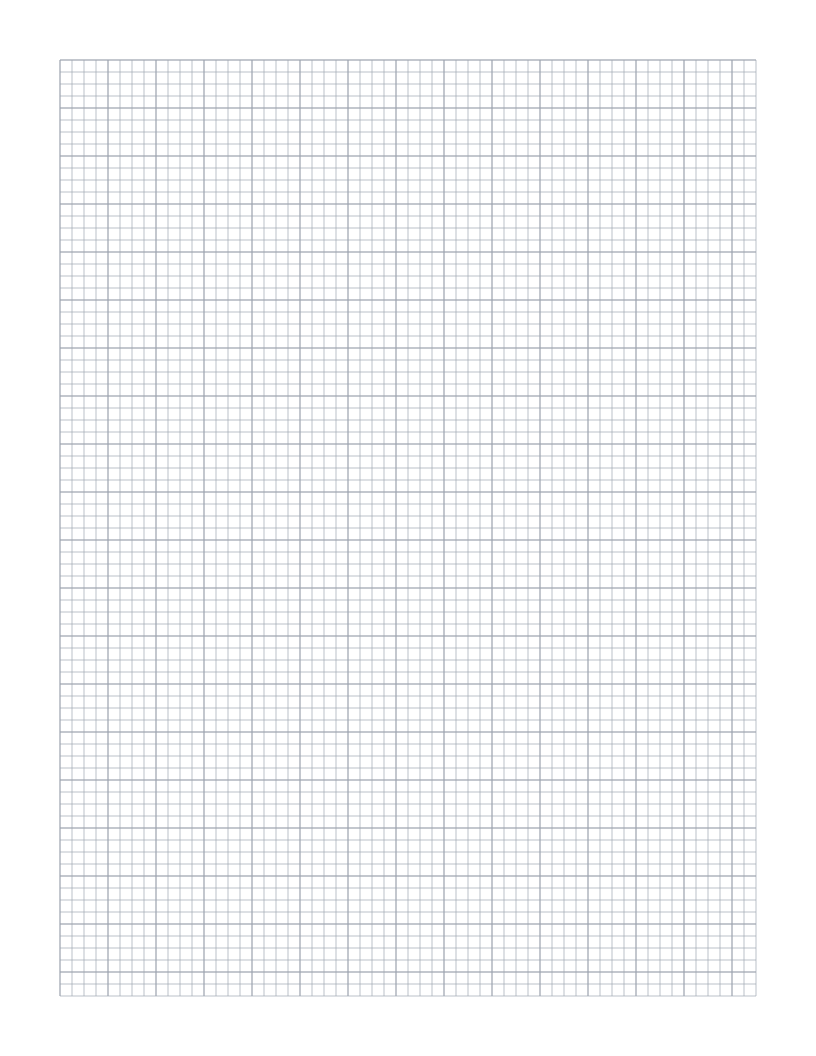
Thicker lines divide the page into larger blocks. On a 5 mm grid, a guide every fifth square marks 25 mm. A guide every tenth square marks 50 mm.
The engineering layout uses 1 mm squares with a thicker line every 5 mm. The ⅛-inch layout uses a thicker line every four squares, or ½ inch. Leave guide lines off for an even line weight across the page.
Questions about this paper
What does 5 mm graph paper mean?
The centers of neighboring grid lines are 5 mm apart. Each square is 5 mm wide and 5 mm tall between those lines.
Does this paper include axes or numbers?
No. The PDF contains a blank grid. Add your own axes, labels, and scale after printing.