 PJHTech Paper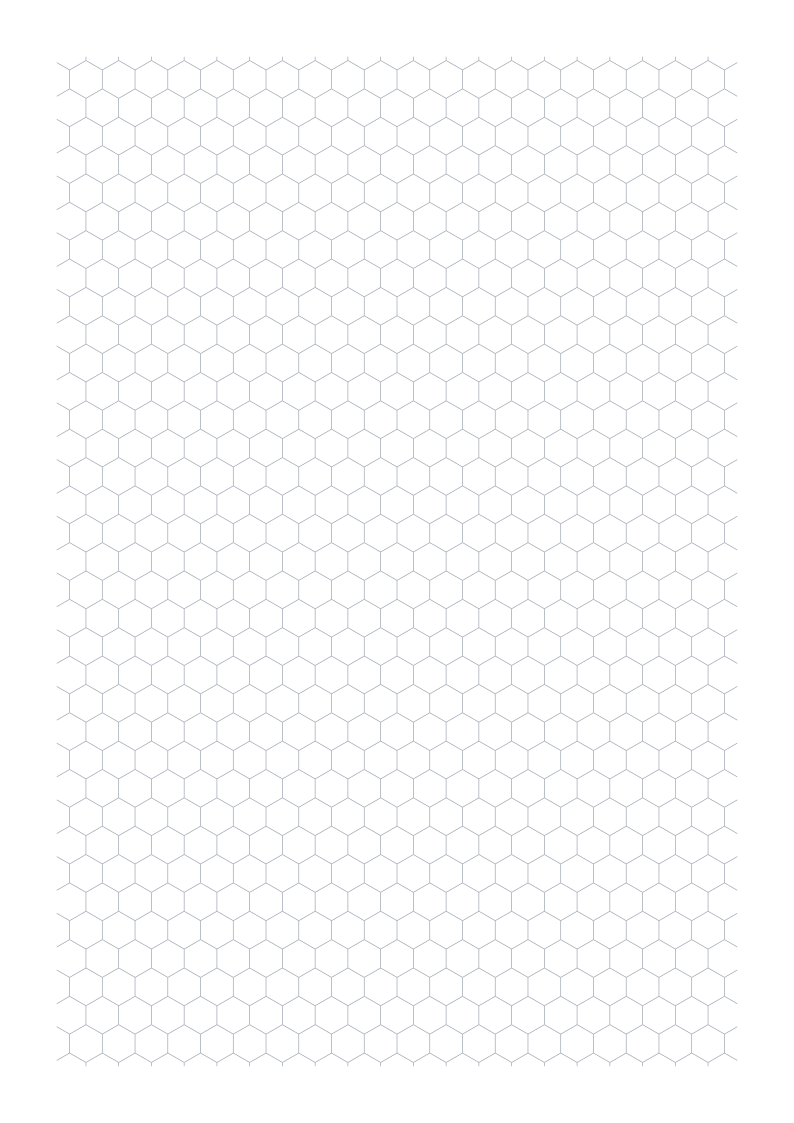
Hexagonal paper
Make a blank hexagon grid for a map or pattern. Set the length of each side, choose your page size, and download a PDF.
Page preview
A4 · portrait · 5 mm
Preview shows the last valid settings.
Preview is scaled to fit the screen.
For the chosen spacing, print the PDF at Actual size or 100%. Check your print size.
Ready-made PDFs
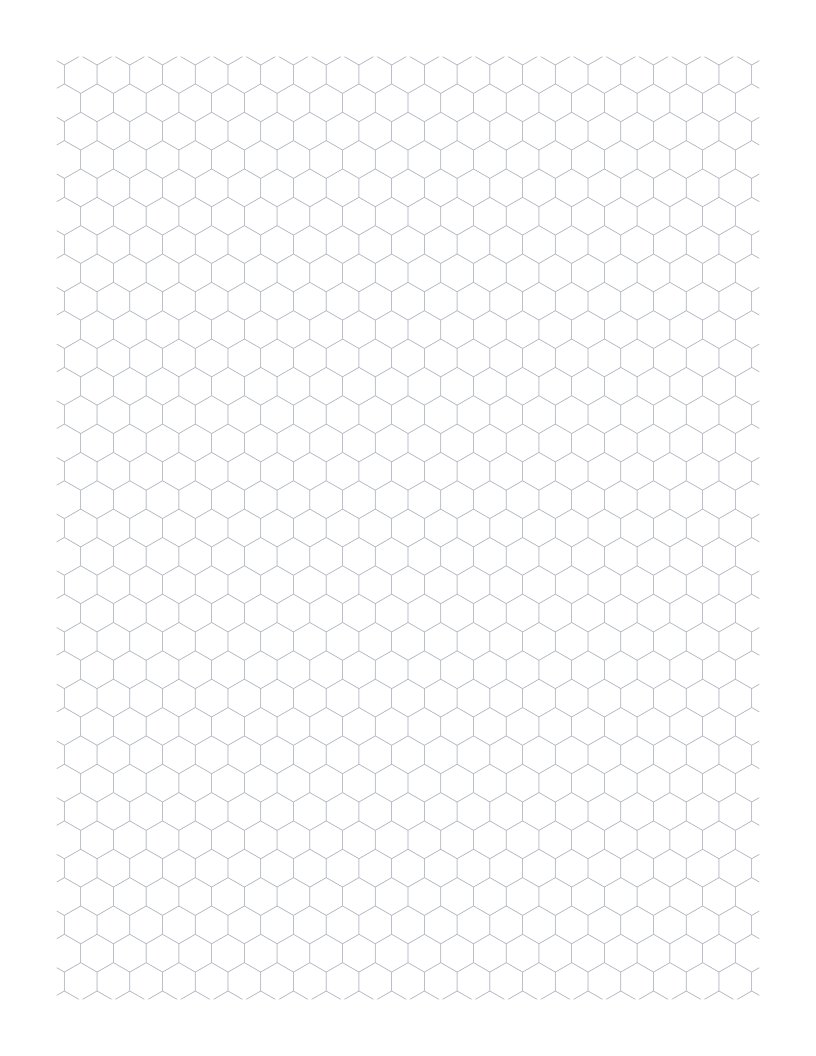
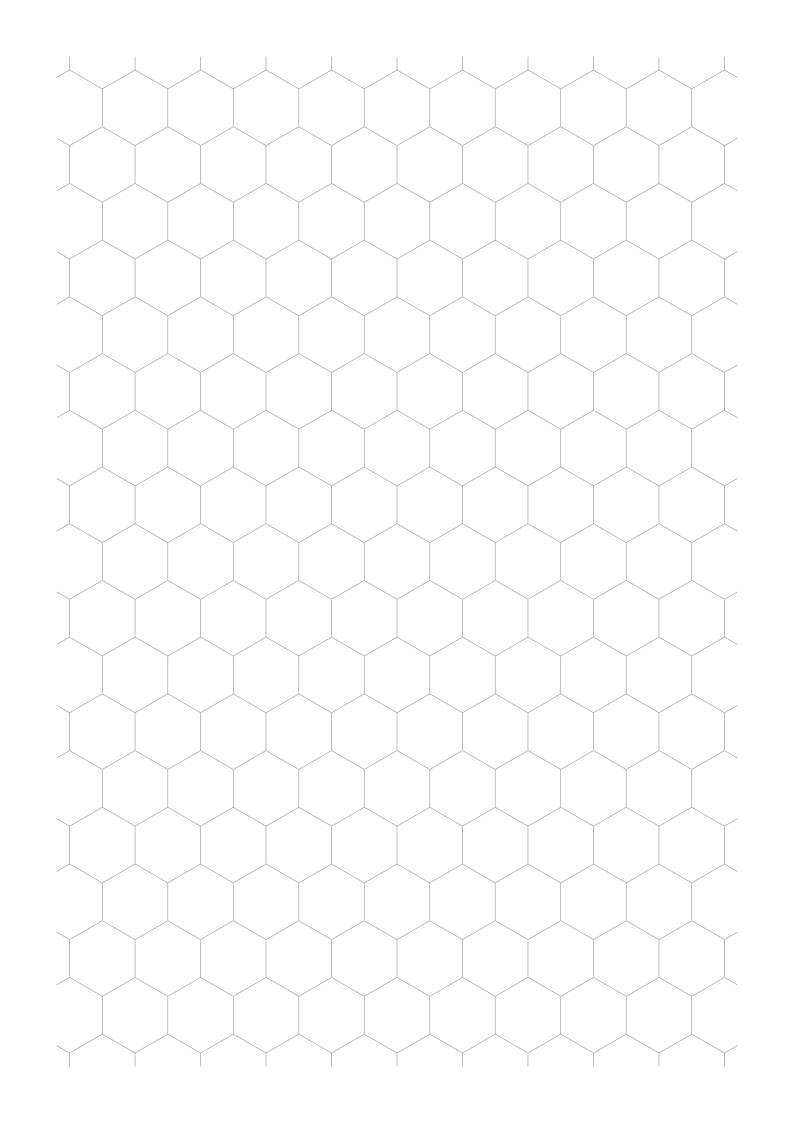
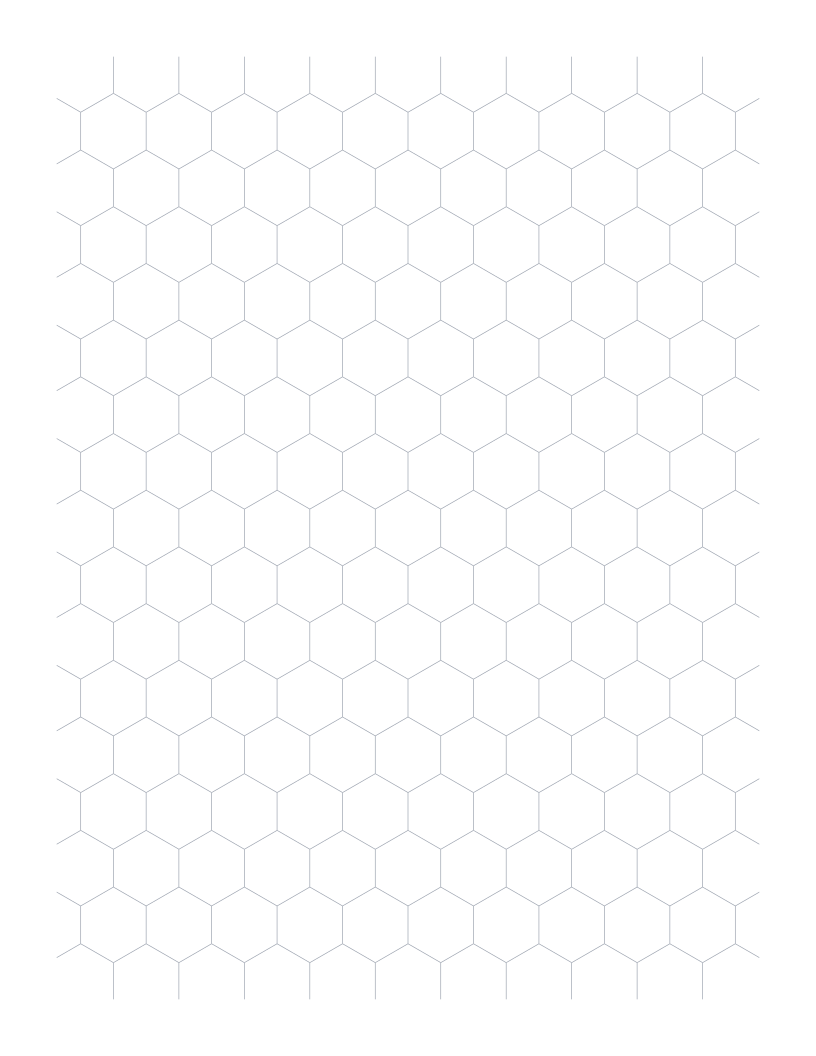
Download a PDF as it is, or choose Customize to load all of its settings.
Measure one side
The size control sets one side of each hexagon. With 5 mm sides, a cell measures 10 mm between opposite points. It measures about 8.66 mm between opposite flat edges.
Check how an existing map defines its grid size before matching it. Side length and width across the cell are different measurements.
Read the grid
Each hexagon has a point at the top. Complete cells have six equal sides. Cells at the page margins may be cut off.
The grid has no labels or coordinates. Add your own places, routes, or numbers after printing.
Questions about this paper
Does a 10 mm setting mean the hexagon is 10 mm wide?
No. It means each side is 10 mm long. The distance between opposite points is 20 mm.
Why are some hexagons cut off at the edges?
The grid stops at the page margins, so cells along the boundary may be partial.